
Articles about Ports & displays
Every Apple Insights article tagged “Ports & displays”. 4 articles.
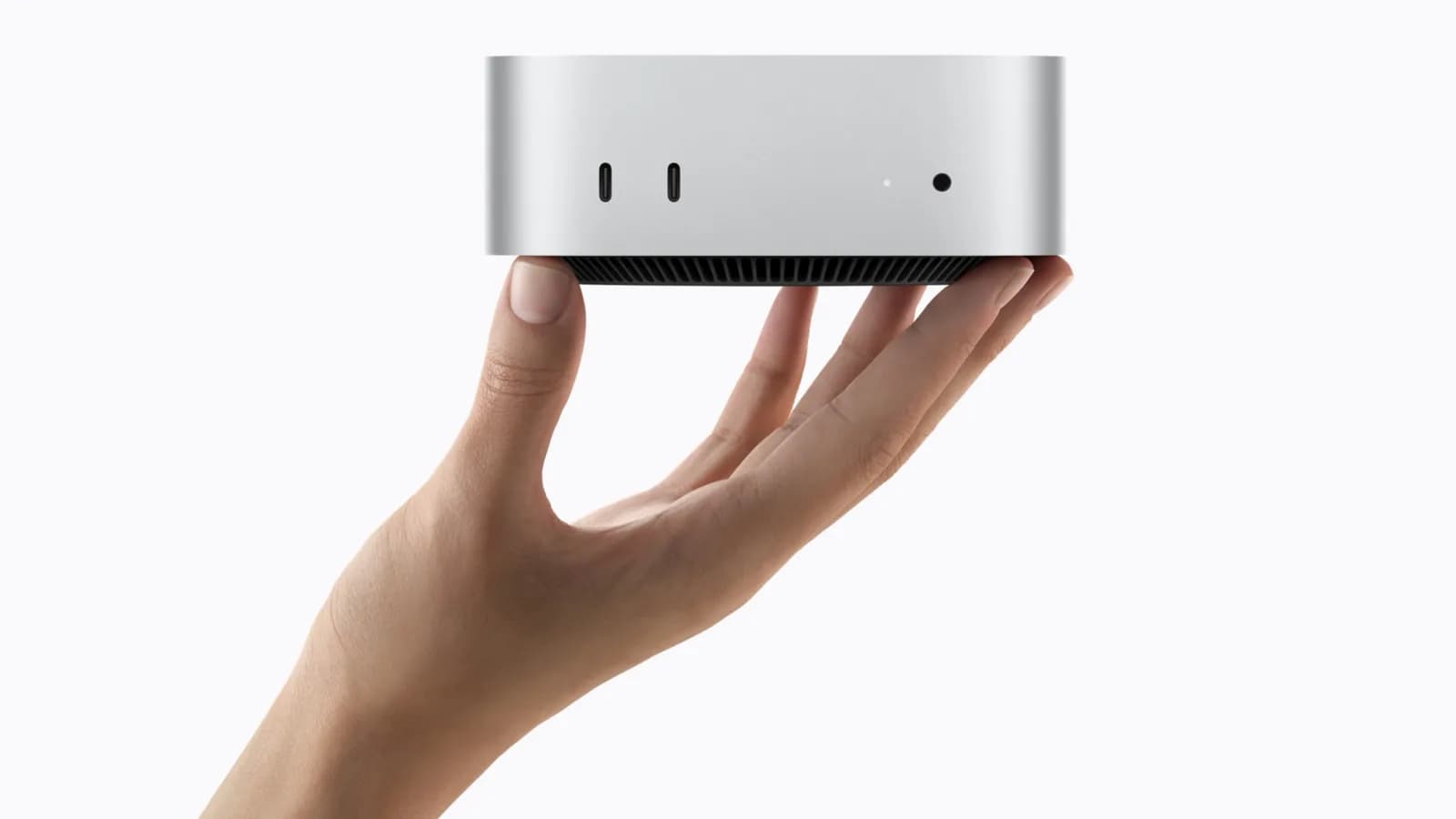
Mac mini M6 and M5 Pro: official specs, pricing and what changed from the M4
The 2026 Mac mini comes with M6 or M5 Pro and adds Wi-Fi 7, Bluetooth 6 and 2.5Gb Ethernet. Here are the official specs, Apple’s pricing and how it compares with the Mac mini M4.
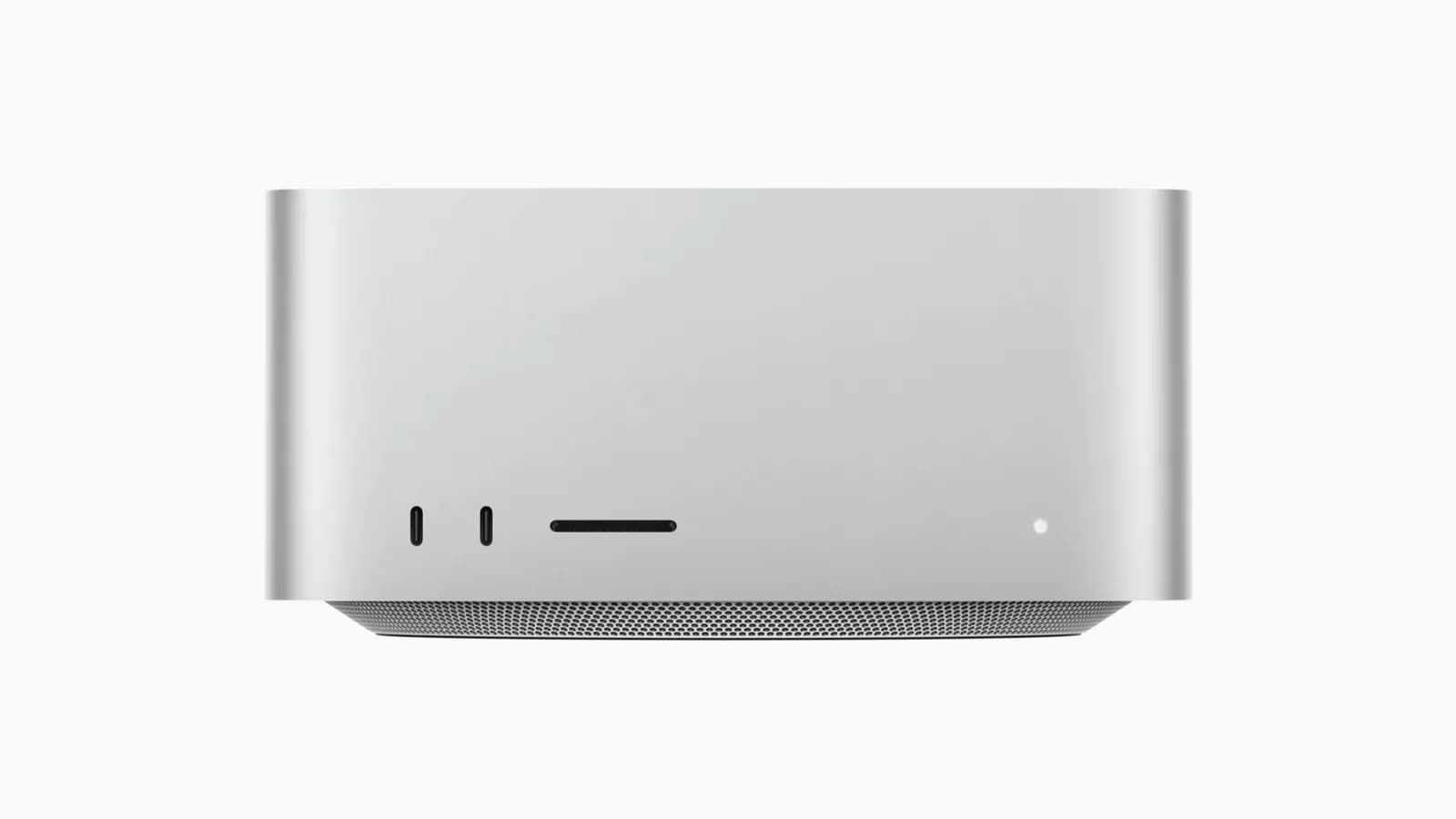
Mac Studio M5 Max and M5 Ultra: official specs and what is new versus 2025
Apple’s new Mac Studio with M5 Max and M5 Ultra goes up to 512GB of memory and gets Wi-Fi 7 and Bluetooth 6 for the first time. Official specs, announced pricing and the differences from the 2025 model.
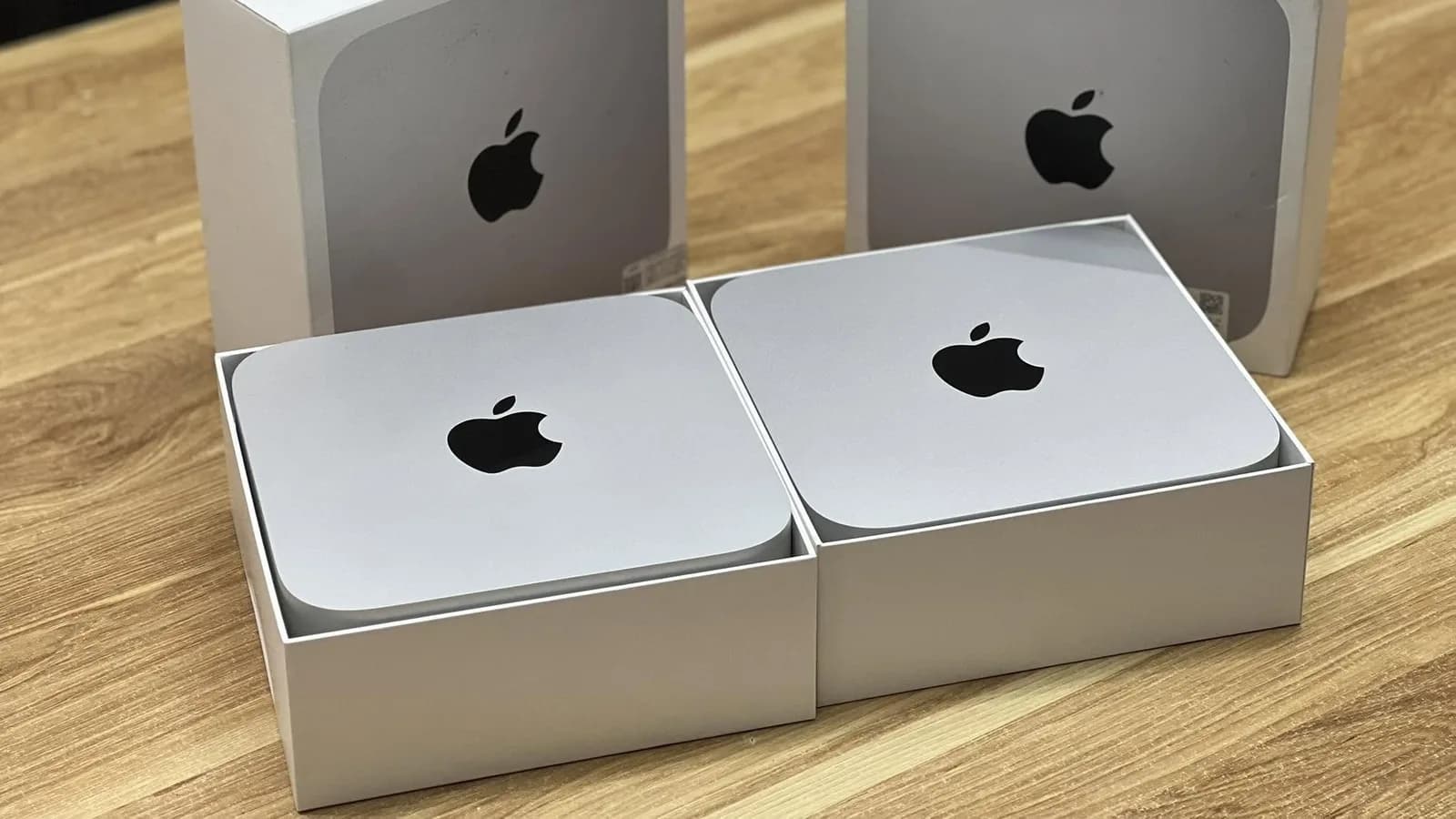
How to check a used Mac mini before buying: 6 steps based on Apple’s documentation
Before paying for a pre-owned Mac mini, match the serial number, look it up on Apple’s coverage page, make sure Activation Lock is off, run Apple Diagnostics and try every port.
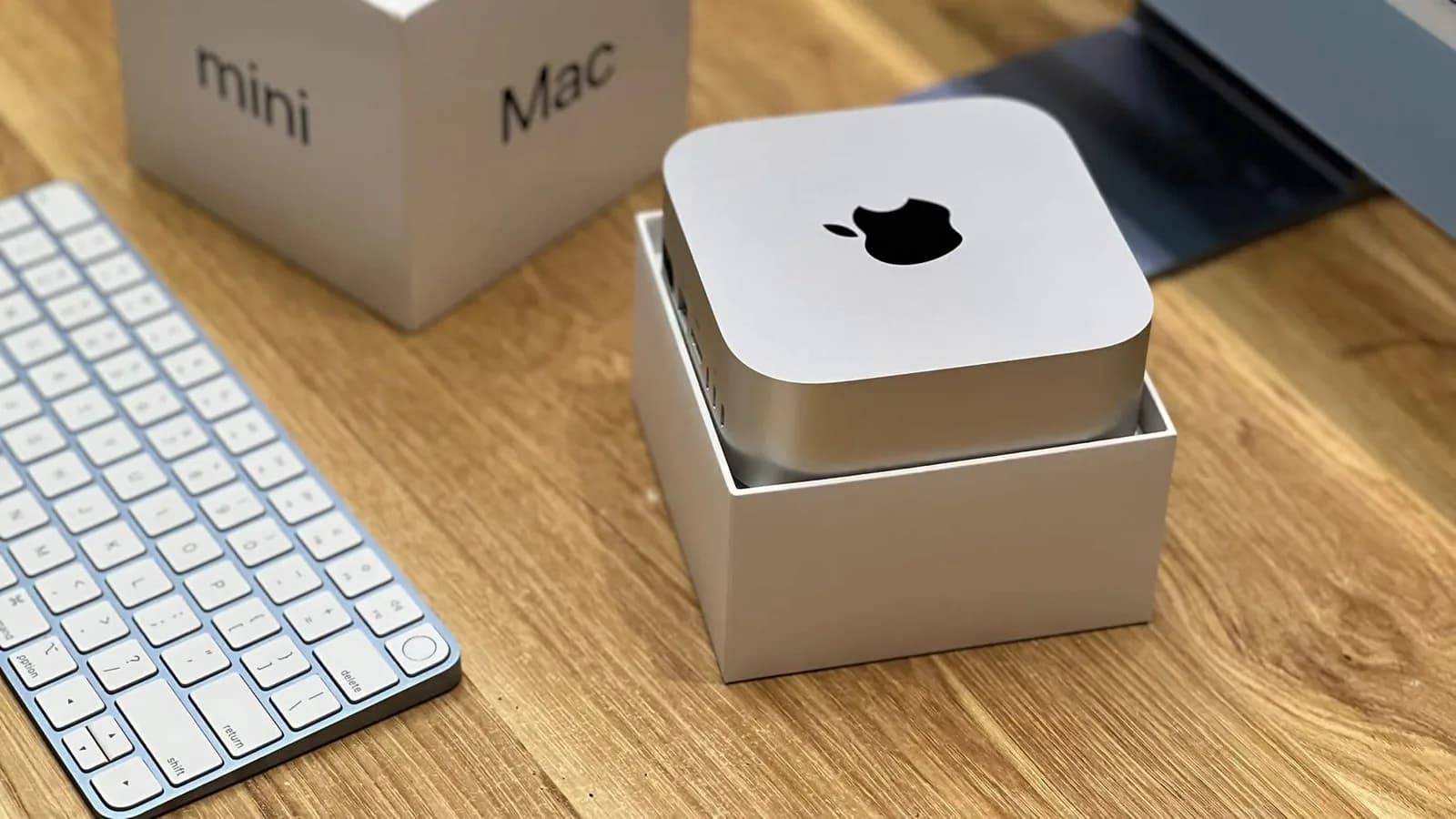
Setting up a Mac mini for the first time: what you need and the order to follow
A Mac mini ships with a power cord and nothing else, so have a display, keyboard and mouse ready. Here is the cabling order, where the power button is and each Setup Assistant step, following Apple’s official guide.