
Mac mini 16GB or 24GB? How to choose memory and storage for what you do
For office work, study, web browsing and entertainment, a Mac mini with 16GB of memory is a sensible starting point. Choose 24GB or 32GB if you keep several heavy apps open, run virtual machines, edit video or run AI models locally. A 256GB SSD suits you when large files live on an external drive or iCloud; otherwise choose 512GB.
 By Mac MinimalPublished Updated 8 min read
Key takeaways
- Apple lists memory and storage as configure-to-order options, so treat the configuration you buy as the one you will live with.
- The Mac mini M4 and M6 start at 16GB, with 24GB or 32GB optional; the Mac mini M1 and M2 start at 8GB.
- Activity Monitor’s Memory Pressure graph and Swap Used figure tell you whether your current Mac is short of memory.
- Too little storage can be offset with an external drive or iCloud; too little memory has no equivalent fix.
- On a tight budget, prioritise memory first and storage second.
Contents
Why choose memory and storage at purchase?
On Apple’s tech specs pages, the Mac mini’s memory and storage sit under Configure to Order: you pick the tier you want when ordering. Apple’s documentation does not describe a way to upgrade memory or storage after purchase on Mac mini models with Apple silicon. Mac Minimal’s catalogue reflects this too: every memory and storage tier is a separate product with its own price.
The safe way to think about it: the configuration you choose today stays with you for the life of the machine. Too little means replacing the computer; too much means paying for something you never use. The rest of this article helps you land in between.
Memory and storage tiers Apple offers for each Mac mini generation
| Generation | Base memory | Optional memory | Base storage | Optional storage |
|---|---|---|---|---|
| Mac mini M1 (2020) | 8GB | 16GB | 256GB | 512GB, 1TB, 2TB |
| Mac mini M2 (2023) | 8GB | 16GB, 24GB | 256GB | 512GB, 1TB, 2TB |
| Mac mini M2 Pro (2023) | 16GB | 32GB | 512GB | 1TB, 2TB, 4TB, 8TB |
| Mac mini M4 (2024) | 16GB | 24GB, 32GB | 256GB | 512GB, 1TB, 2TB |
| Mac mini M4 Pro (2024) | 24GB | 48GB, 64GB | 512GB | 1TB, 2TB, 4TB, 8TB |
| Mac mini M6 (2026) | 16GB | 24GB, 32GB | 256GB | 512GB, 1TB, 2TB |
| Mac mini M5 Pro (2026) | 24GB | 48GB, 64GB | 512GB | 1TB, 2TB, 4TB, 8TB |
Official configuration options from Apple’s tech specs pages
Two things stand out. First, from the M4 generation the base tier is already 16GB, double that of the M1 and M2. Second, if you need more than 32GB you have to move to a Pro chip, or to a Mac Studio. When buying pre-owned, always verify the real configuration in About This Mac; our guide to checking a used Mac mini before buying shows how.
Check for yourself: is your current Mac short of memory?
If you already use a Mac, the most accurate way to choose is to see how that machine copes. Open Activity Monitor, click Memory and look at the bottom of the window. According to Apple’s guide:
- Memory Pressure: a graph of how efficiently your memory is serving your processing needs. It is determined by the amount of free memory, swap rate, wired memory and file cached memory.
- Physical Memory: the amount of RAM installed.
- Memory Used: the amount of RAM in use, split into App Memory, Wired Memory and Compressed.
- Compressed: the amount of memory that has been compressed. When the computer approaches its maximum, inactive apps in memory are compressed to make room for active ones.
- Swap Used: the space on your startup disk used to swap unused files to and from RAM.
In practice: work normally for a few hours with all the apps you usually keep open, then look at the Memory Pressure graph and Swap Used. If the graph stays calm and swap is low, your current amount of memory is enough and you can keep the same tier on the new machine. If the Mac is constantly compressing memory and swap climbs even during ordinary work, go one tier higher.
16GB, 24GB or 32GB: choose by how you work
The suggestions below are orientation, not measurements. Real needs depend on your apps and habits, so combine them with the self-check above.
| Type of work | Tier to consider | Why |
|---|---|---|
| Office, study, web, video streaming | 16GB | The base tier of the Mac mini M4 and M6 |
| Photo editing, 2D design, web development | 16GB or 24GB | Go to 24GB if you often keep several heavy apps open |
| Video editing, multitrack music, virtual machines | 24GB or 32GB | These tasks hold a lot of data in memory |
| Local AI models, large datasets | 32GB or more | Beyond 32GB, look at a Pro chip or a Mac Studio |
Suggested memory tier by type of work (qualitative)
What about 8GB on the Mac mini M1 and M2? It is the base tier Apple sold for those generations, and at Mac Minimal the 8GB machines are the lowest-priced Mac minis at the time of writing. It fits if your needs stay within basic tasks; if you plan to keep the machine for years or tend to have many things open, the 16GB version is more comfortable.
256GB or 512GB of storage?
Unlike memory, storage can be extended from outside. Start by checking what you use now: on a Mac, open System Settings > General > Storage to see how much space each category of files takes.
- External drives: Apple suggests moving files to another storage device, especially photos and videos, which can use a lot of space. The redesigned Mac mini has two front USB-C ports at up to 10Gb/s and three Thunderbolt ports on the back (up to 40Gb/s on M4 and M6, up to 120Gb/s on the Pro models).
- iCloud: macOS can optimise storage by using iCloud to free up space automatically when needed. Files stored in iCloud count against your iCloud storage plan.
- Backups: Time Machine needs a separate device such as an external drive, so your backup does not count against the internal SSD.
That gives two cases. 256GB is reasonable when you work mostly with documents, the web and ordinary apps, or are happy to keep photo libraries, videos and old projects on an external drive. Choose 512GB or more when you install many large apps, work directly with video or a large photo library on the internal drive, or do not want an extra drive on your desk.
Suggested configurations by buying situation
- First Mac on a small budget: a pre-owned Mac mini M1 or M2. Try to get the 16GB version if the price difference is acceptable.
- Main work machine for years: a Mac mini M4 or M6 with 16GB and a 512GB SSD, or 24GB if your work falls in the heavier groups.
- Demanding creative or technical work: a Mac mini M4 Pro or M5 Pro with 24GB to 64GB, or a Mac Studio if you need more.
Browse every Mac mini at Mac Minimal to compare prices across memory and storage tiers, or read about the Mac mini M6 and M5 Pro if you are aiming for the latest generation.
Frequently asked questions
Is 16GB or 24GB enough for a Mac mini?
For office work, study, the web and entertainment, 16GB is a sensible starting point and is what Apple fits as standard in the Mac mini M4 and M6. Choose 24GB if you often keep several heavy apps open, edit video, run virtual machines or run AI models locally.
Can you upgrade the memory of a Mac mini after buying it?
Apple lists memory as a configure-to-order option and publishes no instructions for upgrading memory after purchase on Mac mini models with Apple silicon. Treat the memory you buy as the memory you will have for the life of the machine.
Is 256GB enough on a Mac mini?
Yes, if you mainly use documents, the web and ordinary apps and are willing to keep photos, videos and old projects on an external drive or iCloud. If you install many large apps or edit video on the internal drive, choose 512GB or more.
What is the maximum memory of the Mac mini M6?
The Mac mini M6 starts at 16GB and can be configured with 24GB or 32GB. The M5 Pro model starts at 24GB, with 48GB or 64GB optional. These tiers are the same as on the 2024 Mac mini M4 and M4 Pro.
How do I know whether my Mac is running out of memory?
Open Activity Monitor, click Memory and look at the Memory Pressure graph and the Swap Used figure at the bottom of the window. Apple says memory pressure is determined by free memory, swap rate, wired memory and file cached memory.
Sources
The pages below were opened and checked while writing this article.
- Mac mini (M6 or M5 Pro) - Tech Specs — Apple Support
- Mac mini (2024) - Tech Specs — Apple Support
- Mac mini (2023) - Tech Specs — Apple Support
- Mac mini (M1, 2020) - Tech Specs — Apple Support
- View memory usage in Activity Monitor on Mac — Apple Support
- Free up storage space on Mac — Apple Support
- Back up and restore your Mac mini — Apple Support
Topics in this article
Mac Minimal — a Mac mini and Mac Studio shop at 109 Trung Phung, Dong Da, Hanoi. Articles are based on Apple’s official documentation, with sources listed at the end.
Related articles
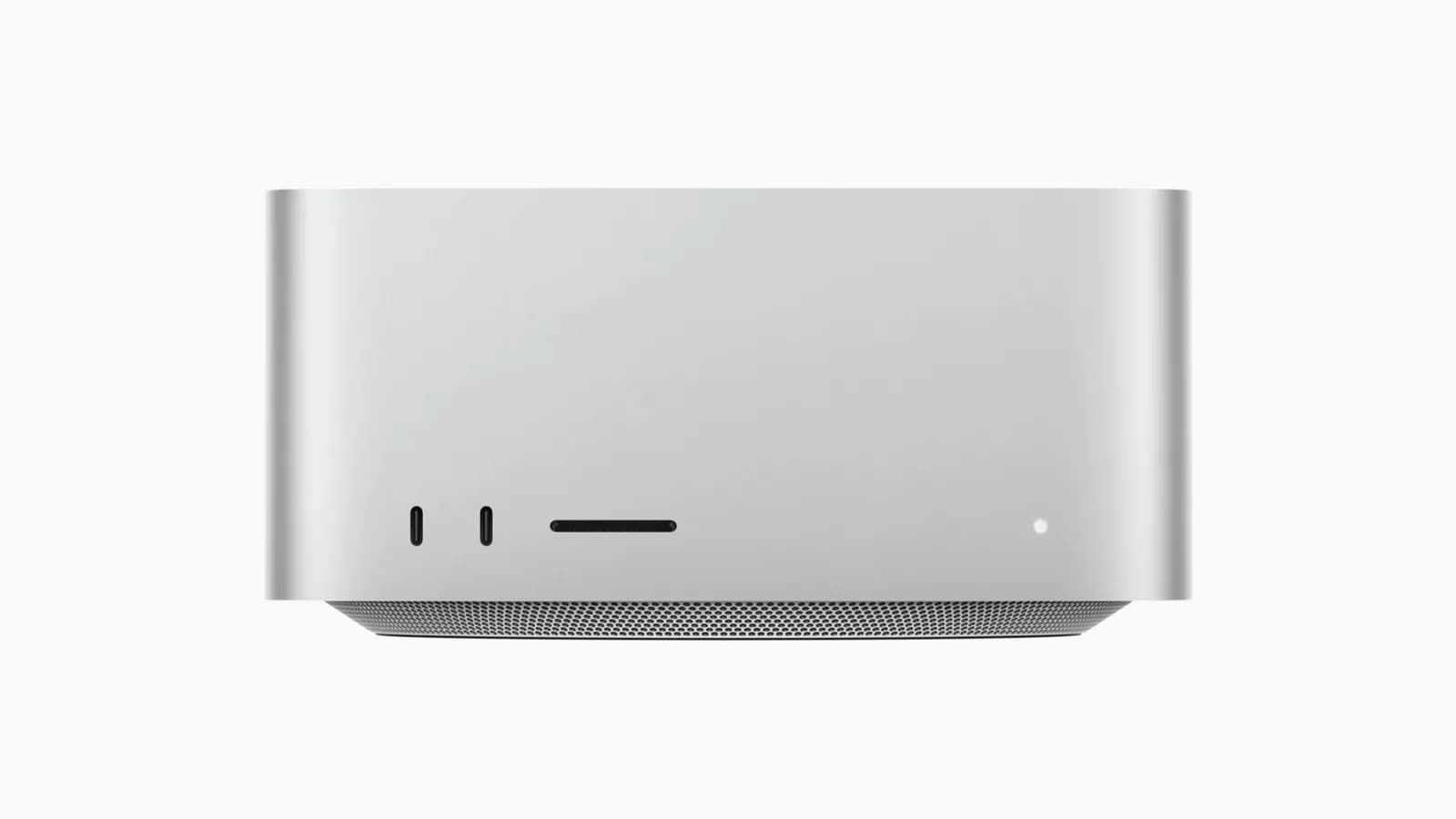
Mac Studio M5 Max and M5 Ultra: official specs and what is new versus 2025
Apple’s new Mac Studio with M5 Max and M5 Ultra goes up to 512GB of memory and gets Wi-Fi 7 and Bluetooth 6 for the first time. Official specs, announced pricing and the differences from the 2025 model.
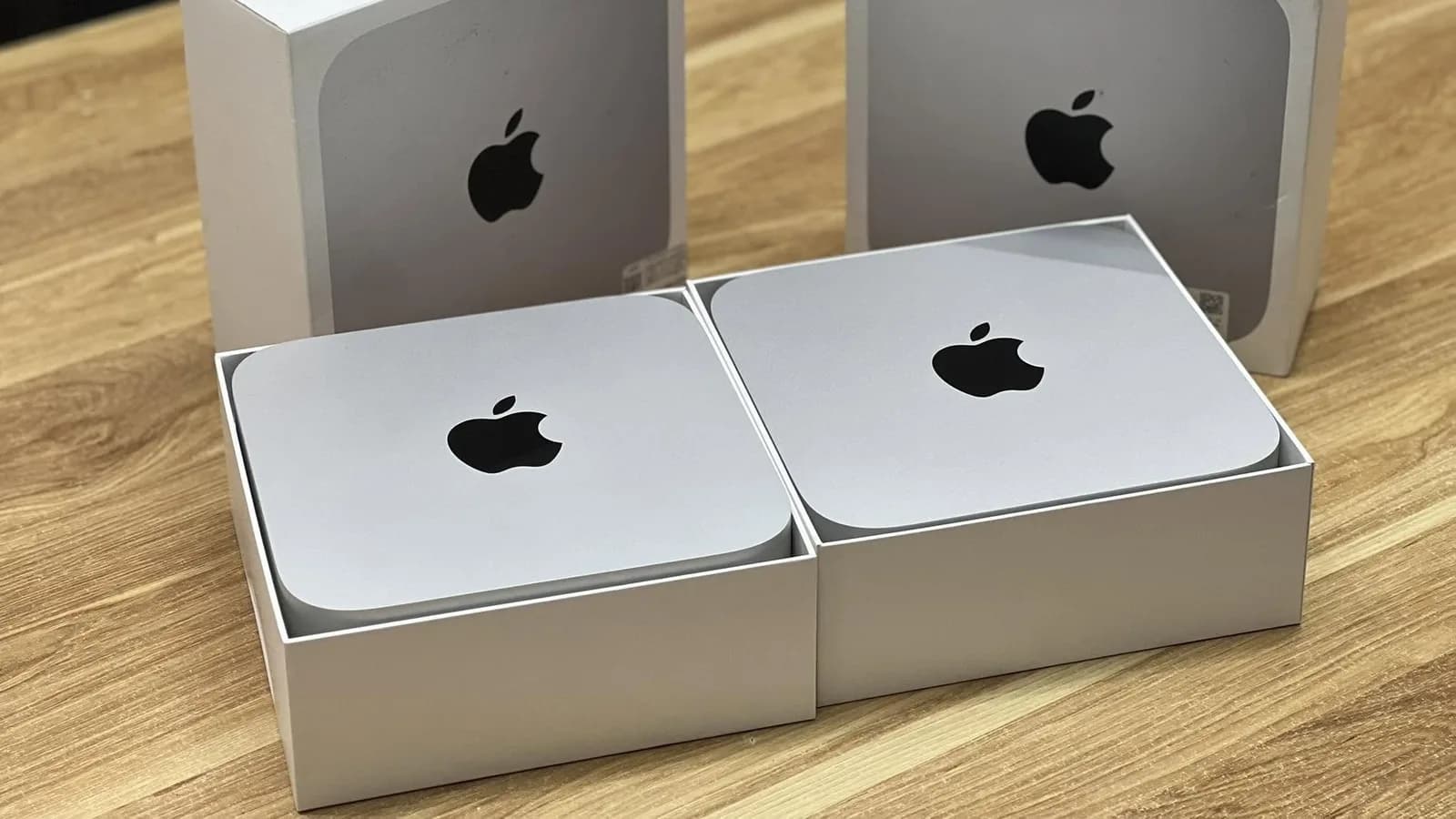
How to check a used Mac mini before buying: 6 steps based on Apple’s documentation
Before paying for a pre-owned Mac mini, match the serial number, look it up on Apple’s coverage page, make sure Activation Lock is off, run Apple Diagnostics and try every port.
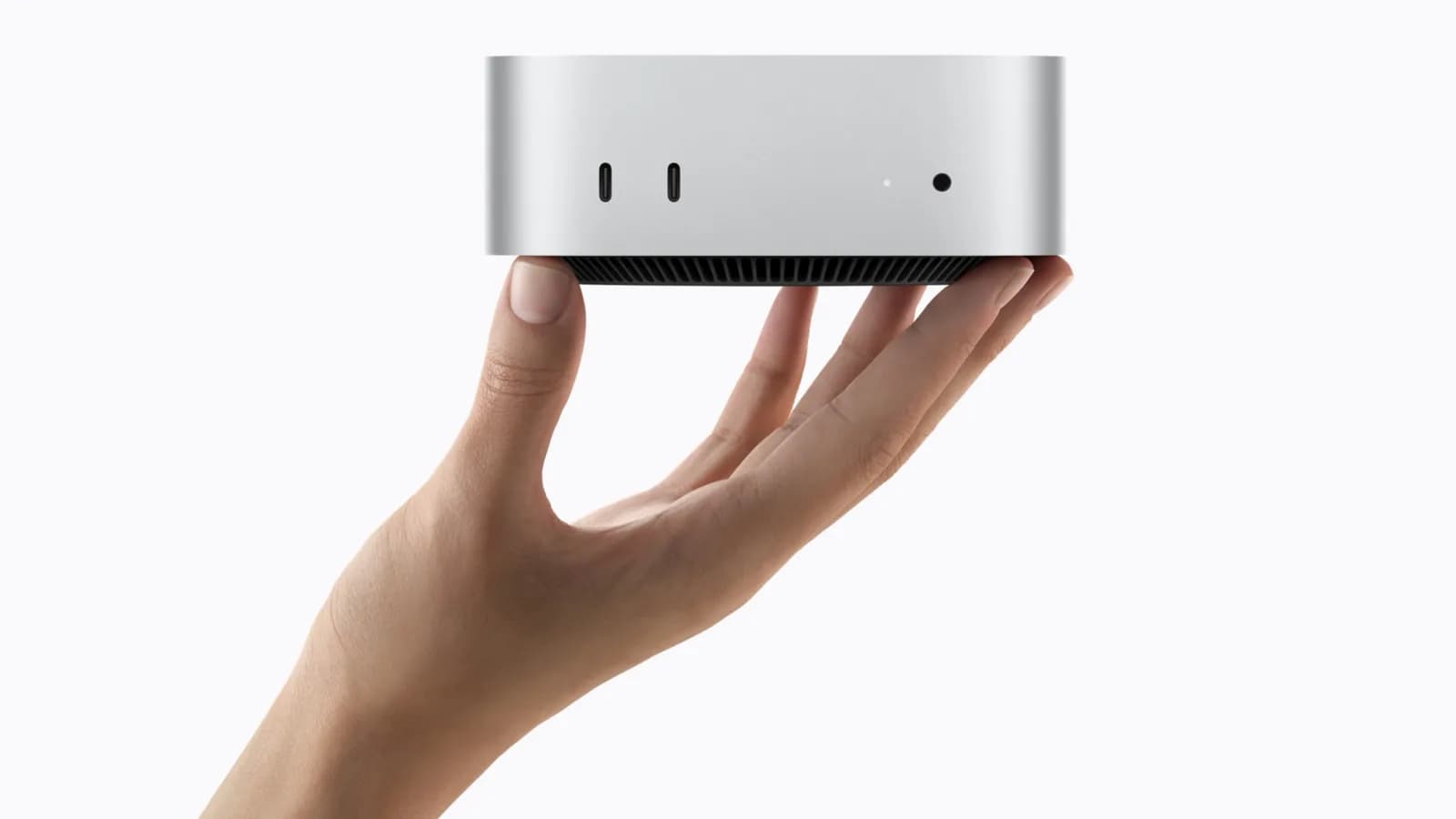
Mac mini M6 and M5 Pro: official specs, pricing and what changed from the M4
The 2026 Mac mini comes with M6 or M5 Pro and adds Wi-Fi 7, Bluetooth 6 and 2.5Gb Ethernet. Here are the official specs, Apple’s pricing and how it compares with the Mac mini M4.